Free
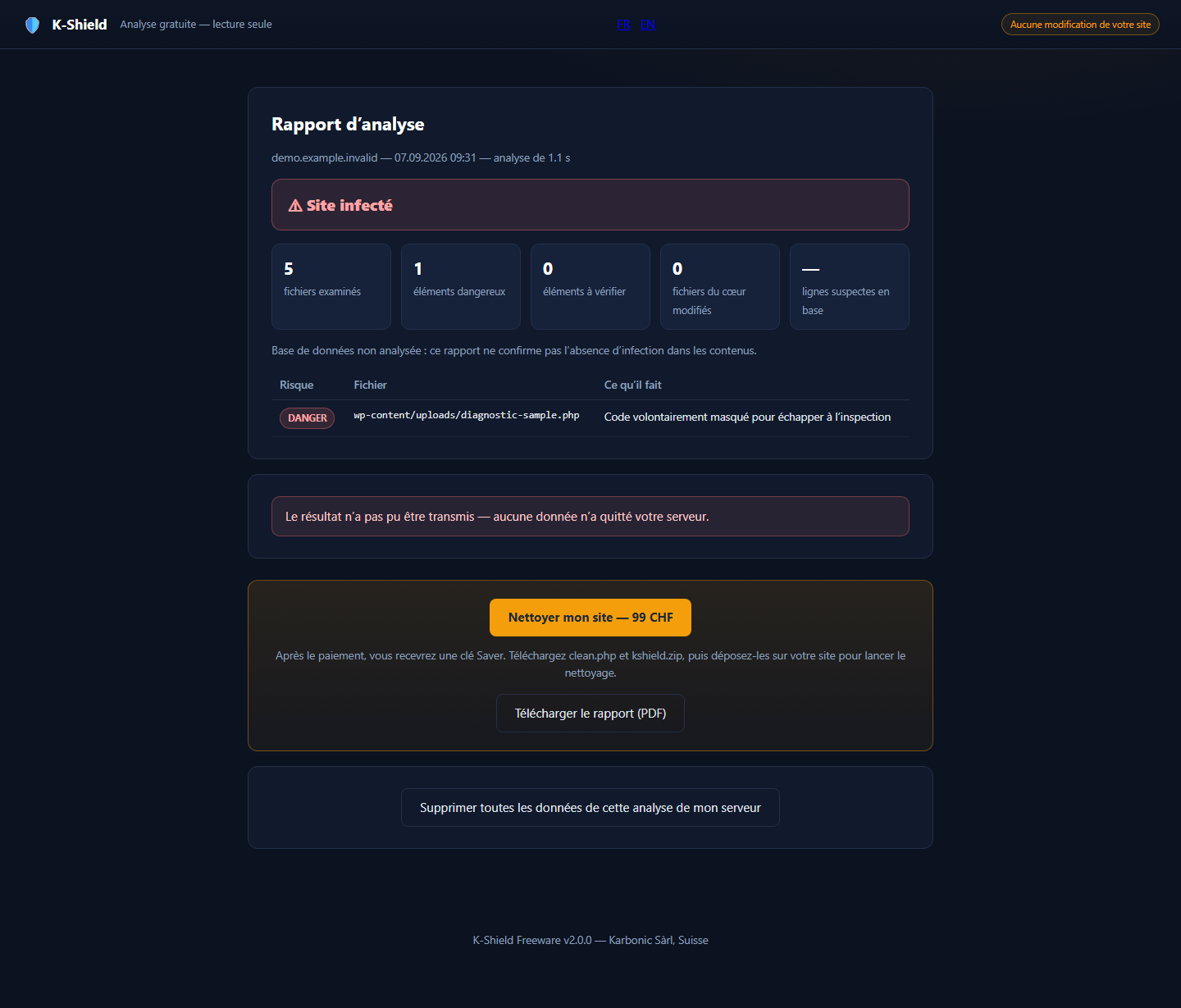
Free scans the files on your site and produces a detection report. Confirm the threats it identifies and use the findings to decide whether to proceed with Saver.
 Enlarge screenshot ↗
K-Shield
Choose your product to install it, understand its results and follow the next steps.
Free scans the files on your site and produces a detection report. Confirm the threats it identifies and use the findings to decide whether to proceed with Saver.
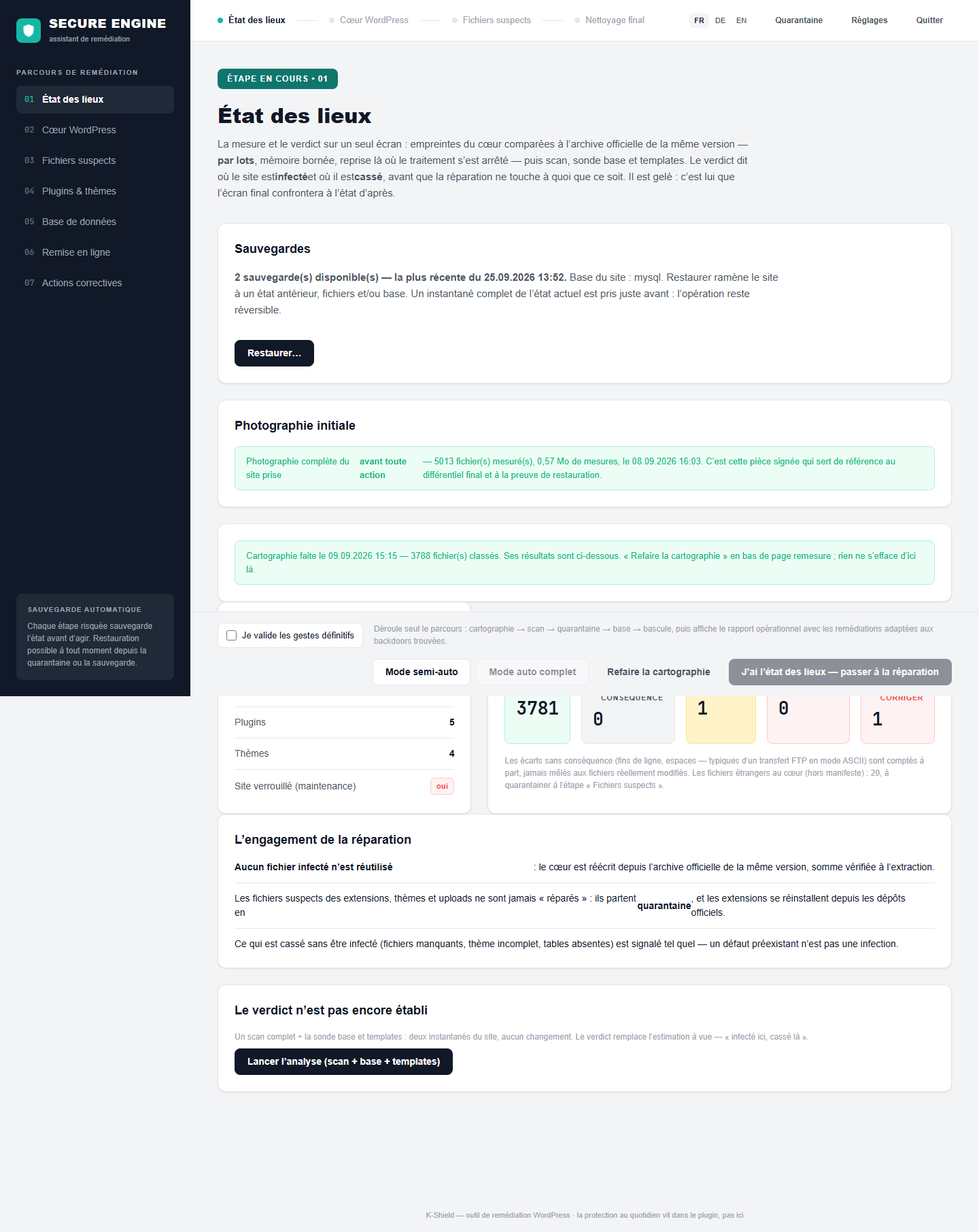
Enlarge screenshot ↗Saver guides you from assessment to return to service: restore WordPress core, handle suspicious files, check plugins and the database, then strengthen access and settings.
 Enlarge screenshot ↗
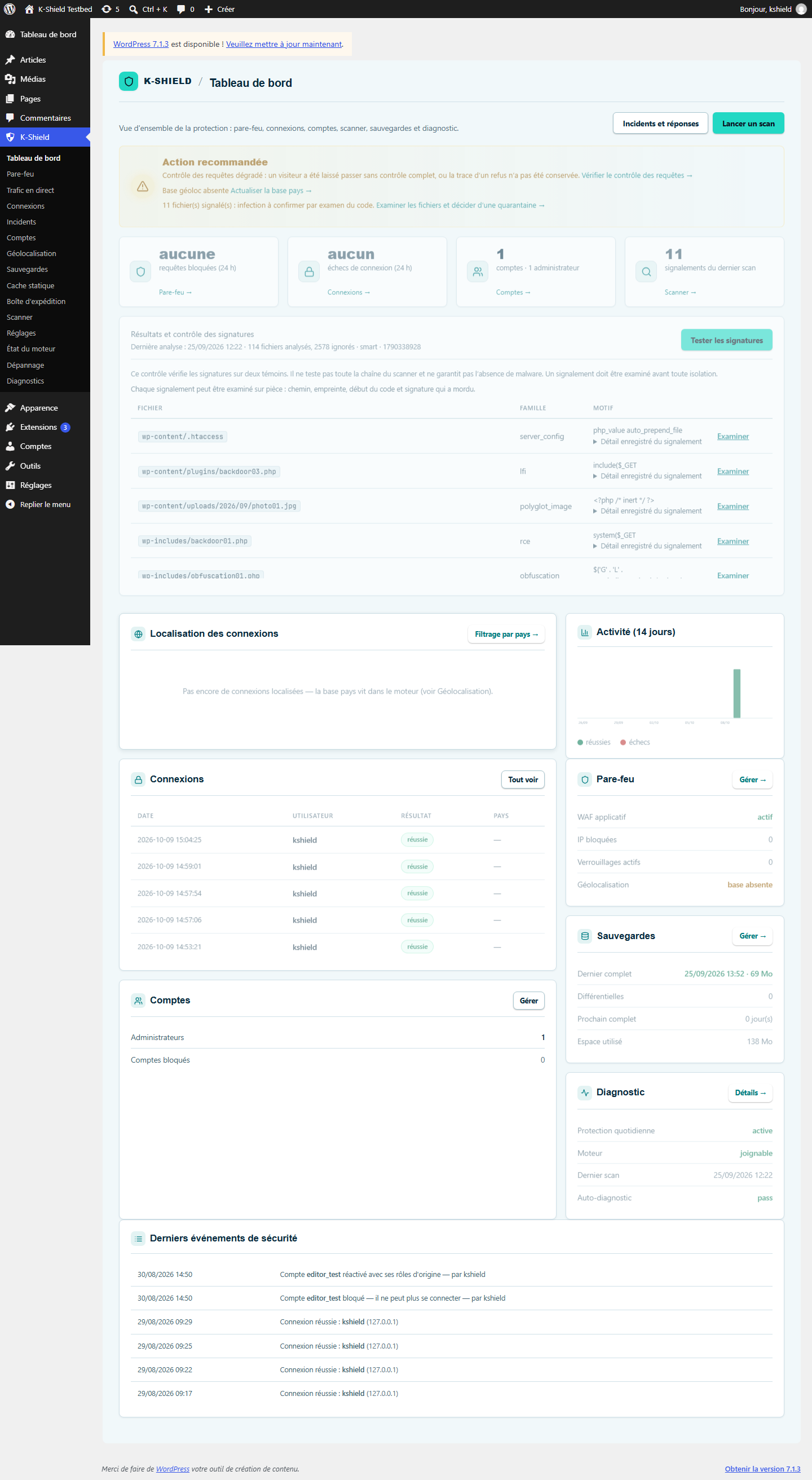
Full includes Saver’s recovery and hardening. It adds monitoring, local telemetry and a WordPress plugin to track logins, filter attacks and manage protection.
 Enlarge screenshot ↗
Find your licences and orders. Enter the email address used for your order to request a sign-in link. If this address matches a customer account, you will receive a single-use link valid for 15 minutes.
Customer accountFree scans the files on your site and produces a detection report. Confirm the threats it identifies and use the findings to decide whether to proceed with Saver. Saver guides you from assessment to return to service: restore WordPress core, handle suspicious files, check plugins and the database, then strengthen access and settings. Full includes Saver’s recovery and hardening. It adds monitoring, local telemetry and a WordPress plugin to track logins, filter attacks and manage protection.
These guides explain safe first actions for each symptom before changing the site.